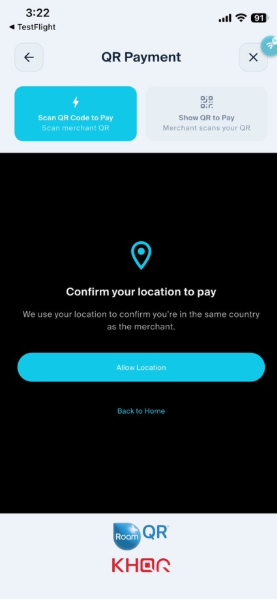
When you open Scan & Pay, you will be prompted to:
- Tap “Allow Location” on the “Confirm your location to pay” screen.
- If location access has not been enabled for LiquidPay, you will see “Enable location access”.
- Tap “Open Settings” and allow LiquidPay to access your location.
- Once enabled, return to LiquidPay and try Scan & Pay again.
Sample screen when Location Services are not enabled: