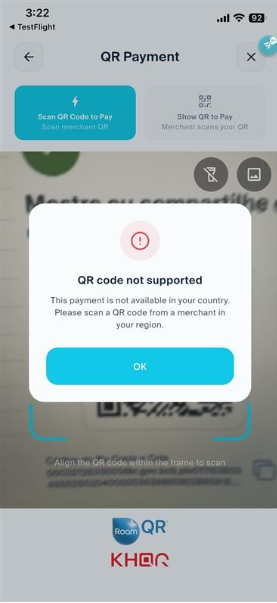
When you use Scan & Pay, LiquidPay checks your current country to determine whether the scanned QR code is available for payment at your location.
If the QR code is not supported in the country where you are currently located, you will see: “QR code not supported – This payment is not available in your country.” That meant you will not be able to proceed with the payment using that QR code.
Sample screen when the QR code is not supported: